
When I sat down to write a (this) post it wasn’t what I was planned. I was going to write about the enhancement to the Hole wizard in SOLIDWORKS 2024, but I got a little (maybe more than a little) side tracked with SOLIDWORKS Visualize 2024.
That come about because the new install of SOLIDWORKS threw up a issue with trying to activate the Visualize license. Apparently there is a known issue with the upgrade to FlexLM with SOLIDWORKS 2024 where it can show a different computer ID to what is on the activation server!
As I required assistance to resolve that, I needed to wait for a response. So when I received that, I activated the Visualize license, and well, I need no excuse, when it comes to whiling away the hours rendering.
It’s been a while since I have spend a lot of time in Visualize, mainly due to the fact that it was easier to use PhotoView 360 inside of SOLIDWORKS to render large assemblies. I’ve always thought PhotoView 360 produced good quality renders. It may not of had the almost unlimited adjustment that Visualize has, but it was more than capable of producing a quality render!
But PhotoView 360 is no more! At least not inside of SOLIDWORKS, with the release of SOLIDWORKS 2024. I can understand the reasoning why Dassault Systèmes SOLIDWORKS has dropped PhotoView 360. After all they would have been paying licensing fees to Luxology LLC for it’s use. The writing was always on the wall for it, after they acquired Realtime Technology, back in 2013, and with that they inherited Bunkspeed, which was to become SOLIDWORKS Visualize, with its release with SOLIDWORKS 2016 SP2. I still remember downloading and installing it at the hotel in Dallas the night after they announced it at SOLIDWORKS World!
I’ve delved in & out of Visualize over the years and Dassault Systèmes SOLIDWORKS has continued to improve the product with each new release.
SOLIDWORKS Visualize 2024 see’s one (noted) enhancement and that is shown as Enhanced Capabilities for Creating Compelling Appearances
That is a significant statement. Photo realistic rendering is all about that, the ability of the material to look real and act accordingly to how the light effects the reflections and produces refraction & shadows.
Dassault Systèmes’ Enterprise PBR Shading Model (DSPBR) has been around since 2019 and it now has been incorporated with SOLIDWORKS Visualize 2024
Dassault Systèmes describes the materials as:
“SOLIDWORKS Visualize uses Dassault Systèmes’ Enterprise PBR Shading Model (DSPBR) to closely replicate the realistic appearance of metal, glass, plastic, and other surfaces. The DSPBR is a material model for physically based rendering, supported by all renderers in the 3DEXPERIENCE® platform. The shading model is easy to use and renderer independent. It combines metallic and dielectric scattering distribution functions, including transparency for thin-walled and volumetric objects. It also provides effects, such as emission, clear coat, metallic flakes, and sheen, to cover a range of appearances“
There is really only one way to see what effects Dassault Systèmes’ Enterprise PBR Shading Model (DSPBR) has on rendering & that is to run a few.
Dassault Systèmes’ does have a User Guide to DSPBR
It should be noted that using DSPBR is optional. Visualize 2024 will still render using existing (legacy) appearances, including those imported from SOLIDWORKS.
When you open a existing project (.svpj) file it will give you the option to convert those appearances to DSPBR & warns you that the conversion is not reversible.
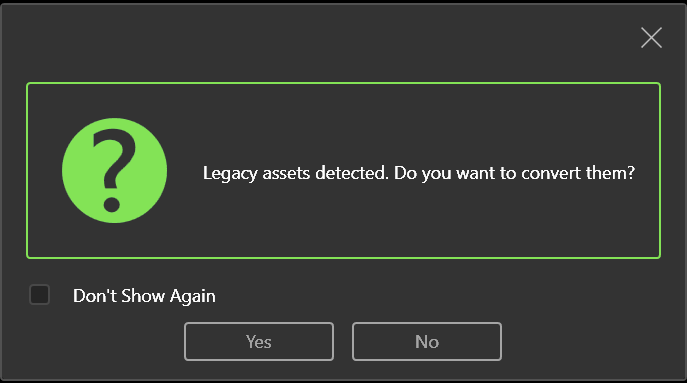

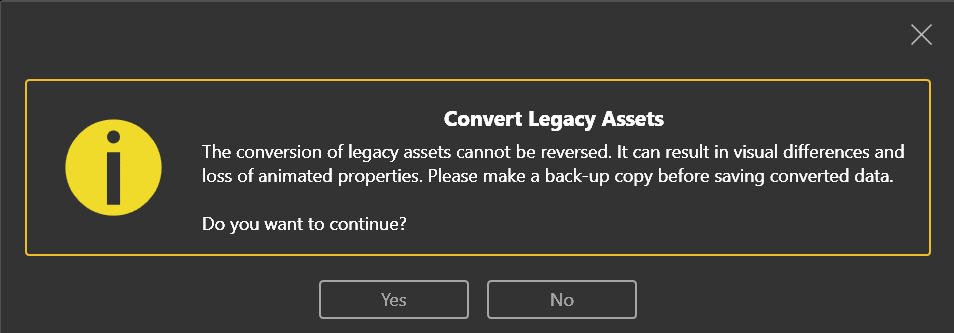
You can also manually change an appearance by selecting the Appearance type from Basic (or others listed) to Enterprise PBR Shading Model.

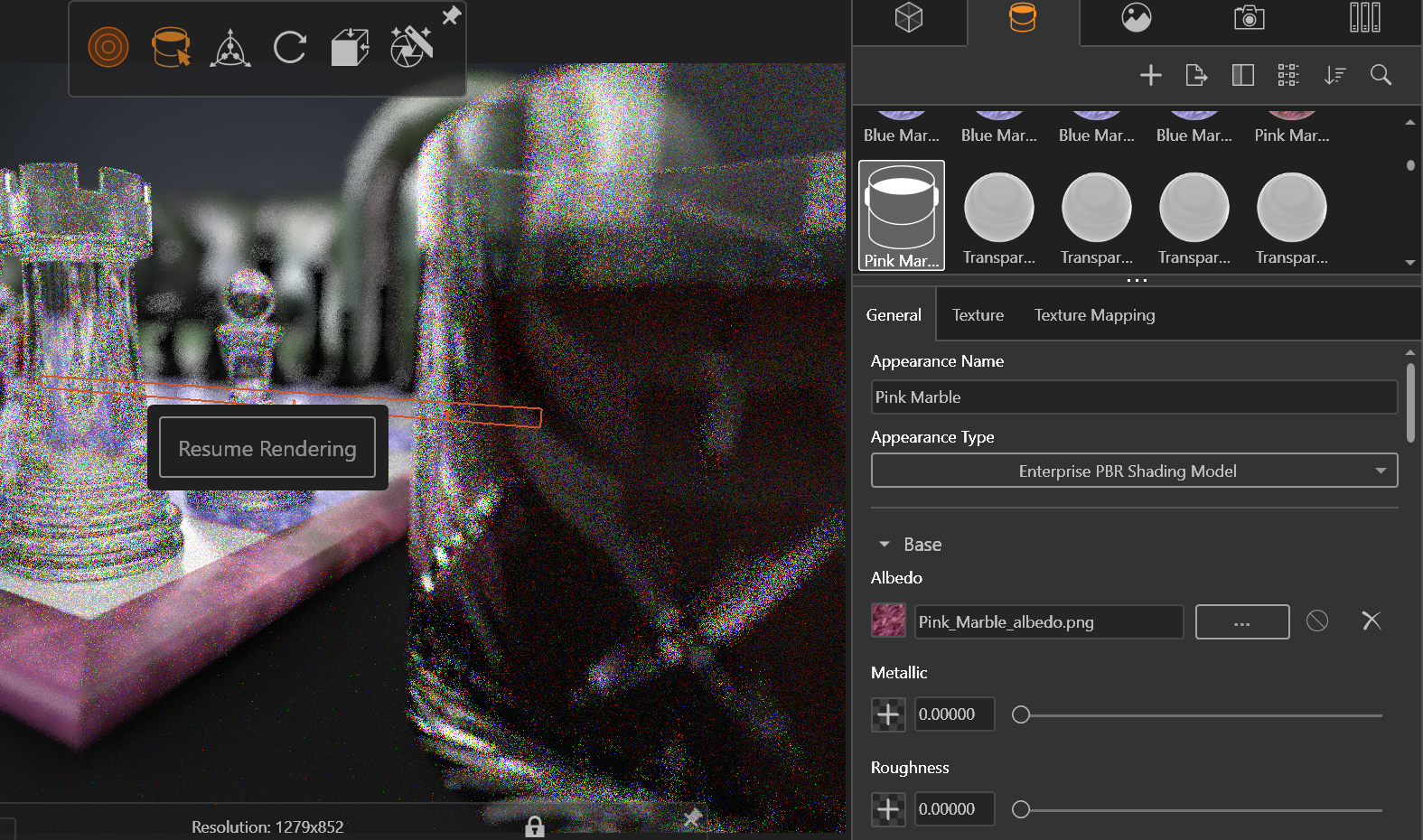
This will change the icon from the “shader ball” to a “paint bucket”. Until you “Save” the file. If you reopen that project the “shader ball” will display but it will be a Enterprise PBR Shading Model.
So how does Enterprise PBR Shading Model differ from the the previous Basic (Legacy) appearance in Visualize. Below is a simple couple of renders. The top one is with existing Legacy appearance type Basic. The one below is with appearance type Enterprise PBR Shading Model. The two renders were run with the same settings, number of passes, camera, background plate & scene, with the only change to the appearances.
There is not a noticeable difference with the transparent appearance of Chrystal (Glass) & Diamond (Chess piece). There is a subtle difference with the Soft Touch Black Fabric (Table Top the Board is sitting on) with Enterprise PBR Shading Model looking to my eye a little softer.
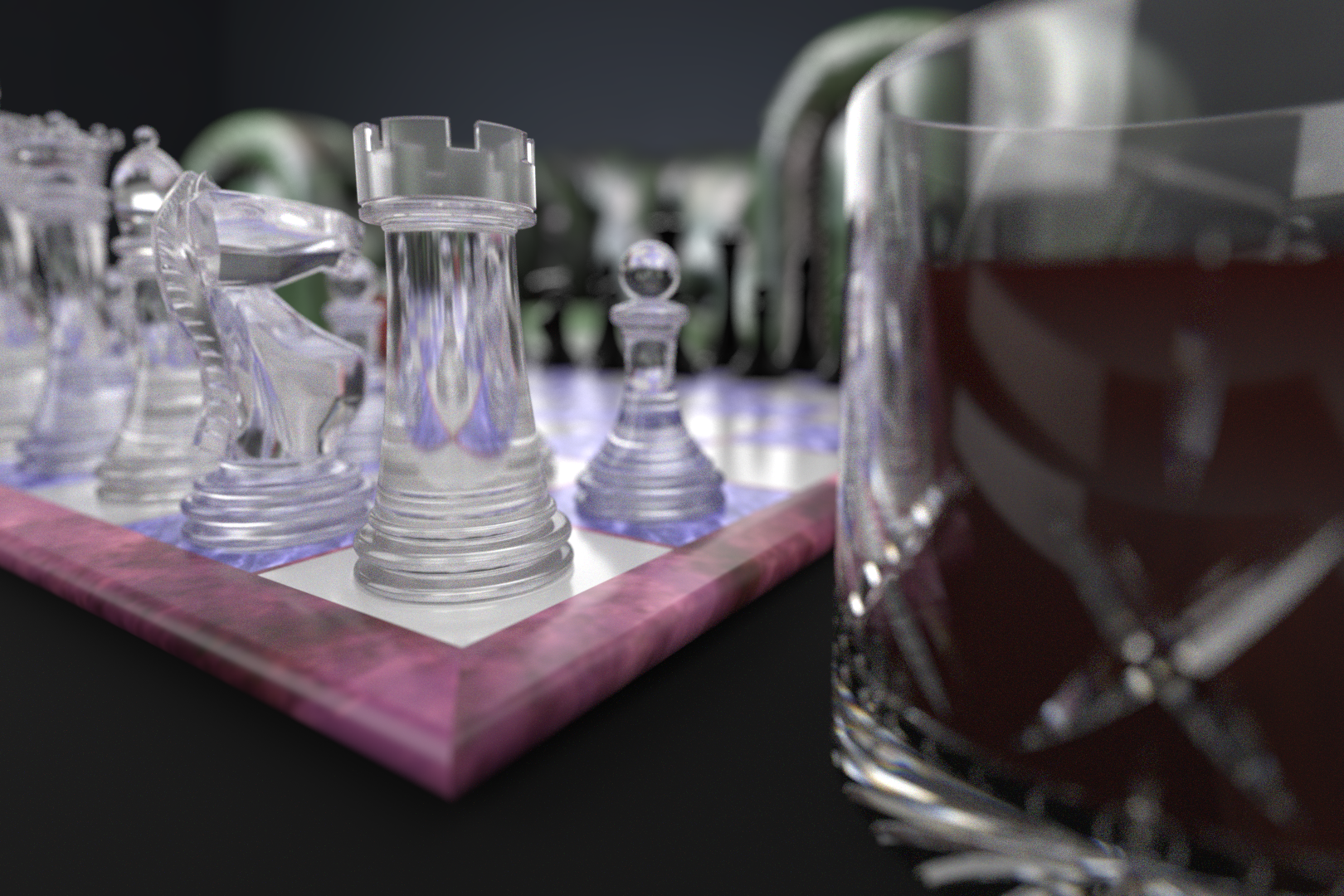

There is also a subtle difference with the Black Chess pieces with is Chromium Plate with the colour changed to Black. With the Basic appearance appearing more “black” with reflections more to one side. Where the Enterprise PBR Shading Model appears more “chromium” with reflections more around.
The more dramatic change is with the Pink, Blue & White Marble appearances of the chess board. With the Enterprise PBR Shading Model being far more glossy, which dramatically changes the reflections of the chess pieces on the board.
The other noticeable difference is the Whisky SSS which I did change the colour between the two renders. Which you can see is still not right, but for this exercise it is fairly irreverent.
After these too simple renders I wouldn’t go as far to say that Dassault Systèmes’ Enterprise PBR Shading Model (DSPBR) has changed rendering as we know it, but it certainly adds a whole other level of custiomisation, along with more refinements to appearances with SOLIDWORKS Visualize 2024.
& that is certainly never a bad thing when it comes to rendering.
I’m certainly looking forward to rendering more with Enterprise PBR Shading Model (DSPBR) …. & getting that Whisky appearance sorted!

 Michael Lord
Leave a comment